
Design jewelry
that’s truly yours.
The #1 Beading App with 3D Precision Control

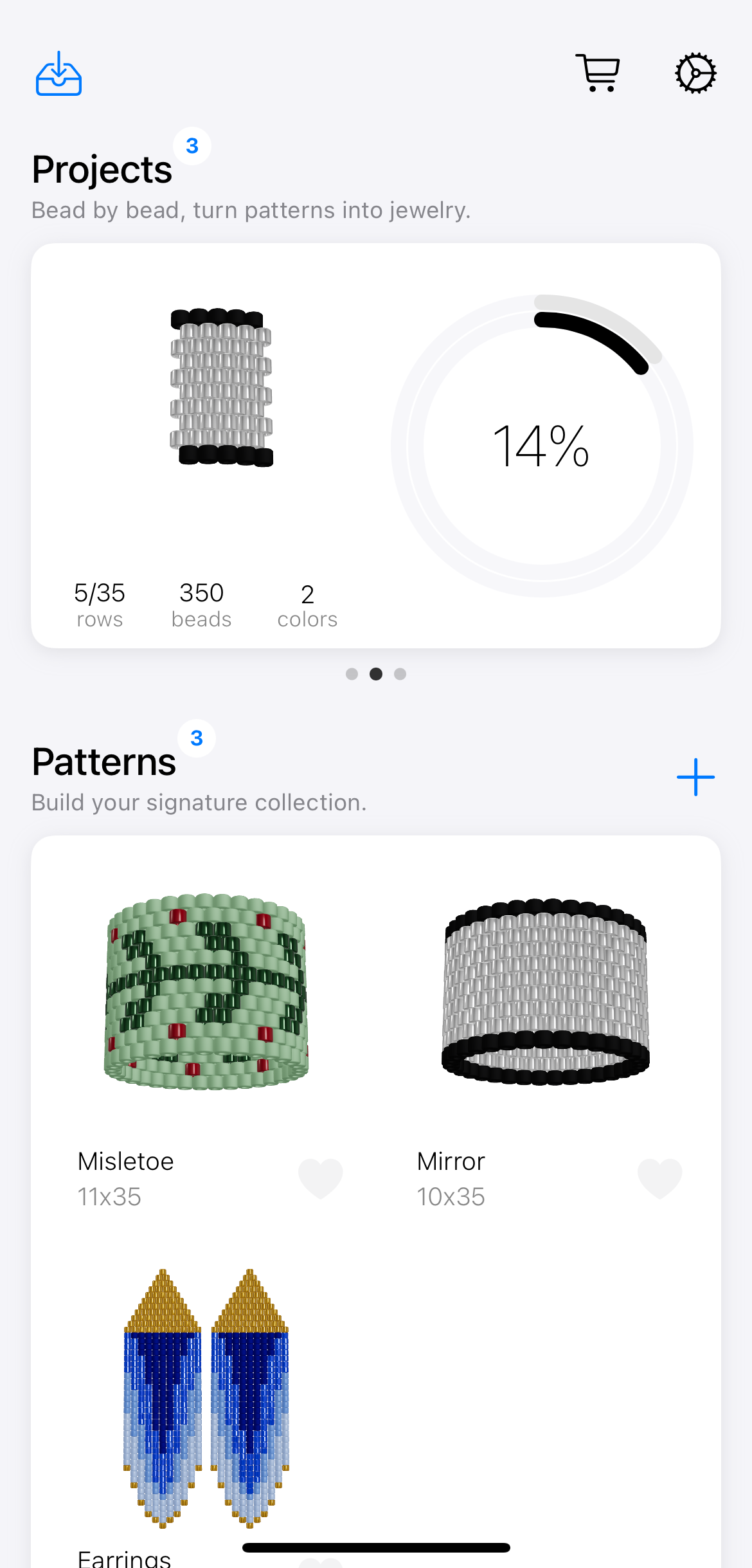
BeadPainter is a modern design tool for creating custom bead jewelry.
Draw patterns quickly, preview them in 3D, and fine-tune every detail with high-precision bead sizing. Whether you’re making your first ring or designing complex woven patterns, BeadPainter helps you move from idea to finished design effortlessly.
With interactive weaving, step-by-step guidance, and support for multiple bead shapes, you always know what comes next. Export your designs to PDF and bring them to life with confidence.
What can you design?
We support a variety of bead weaving techniques, including:
- Peyote-stitched rings
- Loom-stitched bracelets
- Brick-stitched earrings
1. Design
Sometimes the hardest part is starting—but BeadPainter helps you dive right in.
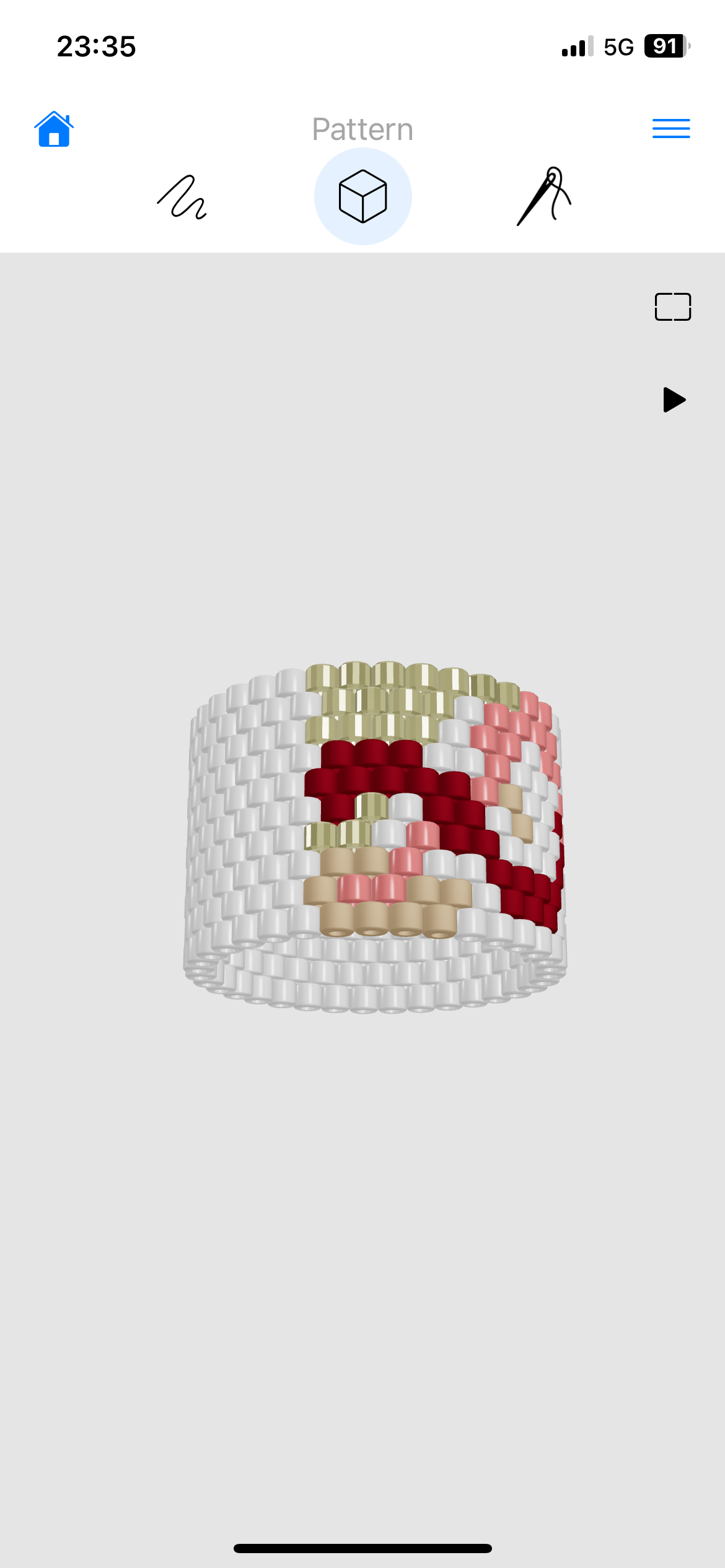
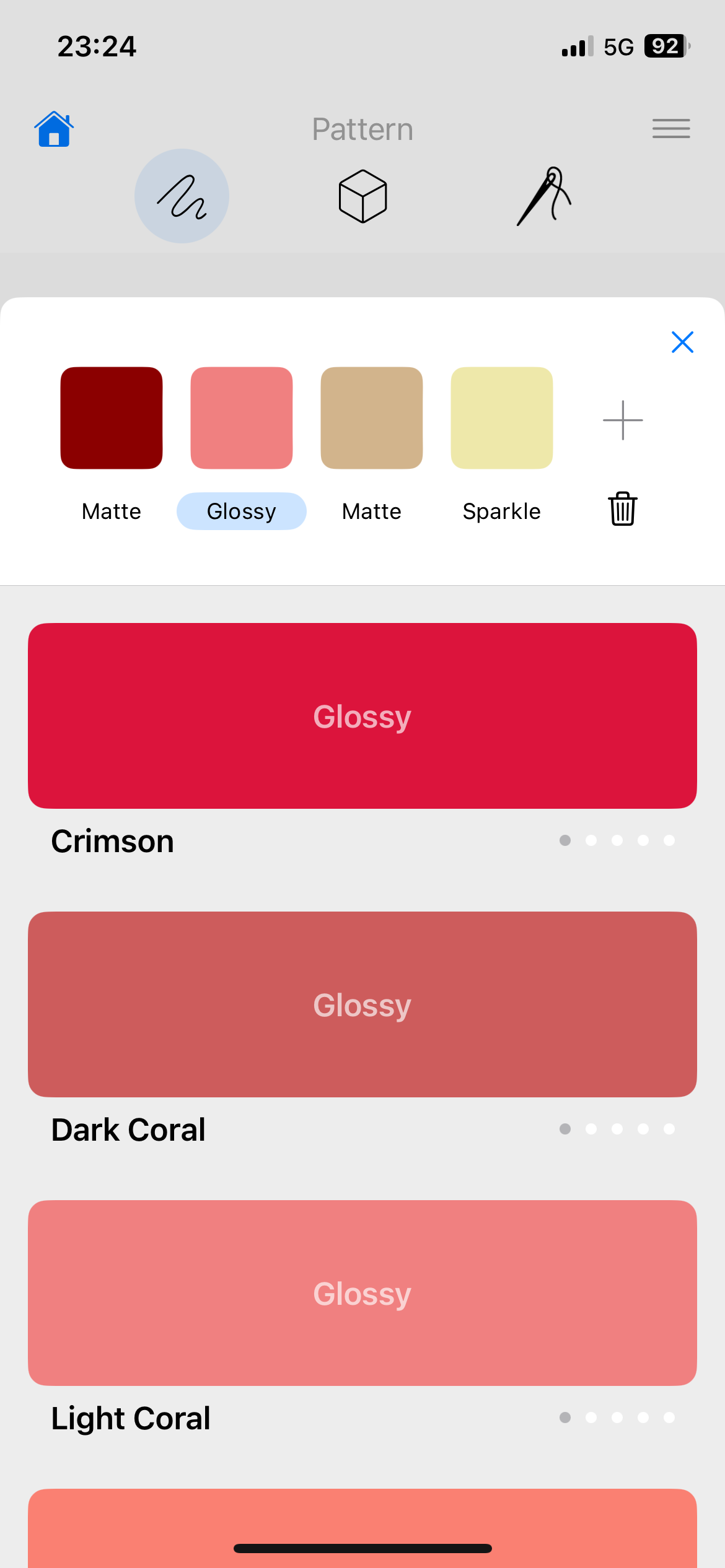
Draw freely in the editor, pick colors from a vibrant 150-tone palette, and watch your ideas spring to life in 3D.
Try ideas, undo them, explore how the design looks with different bead colors—everything updates instantly, turning creativity into fun and surprise-filled experience.

2. Make
Ready for the next step? Awesome!
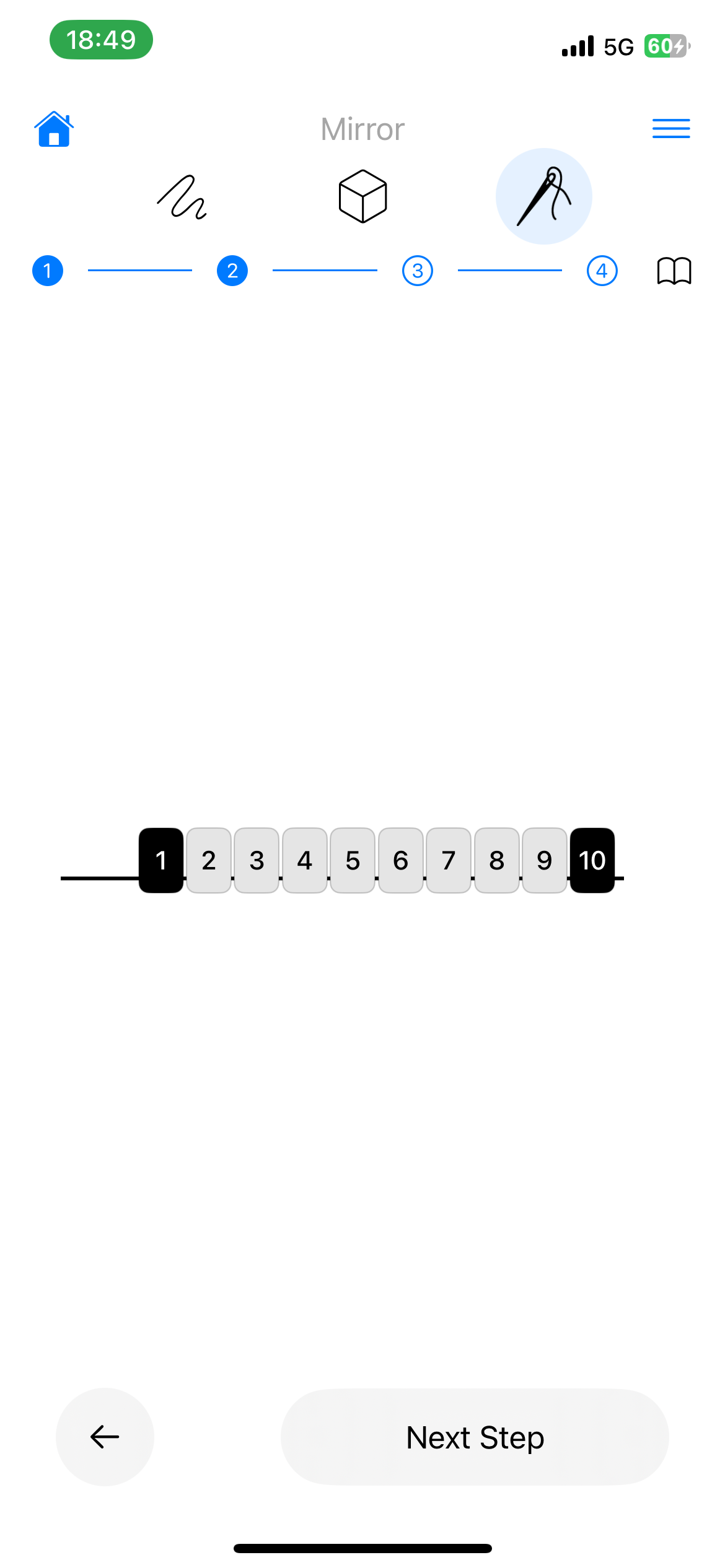
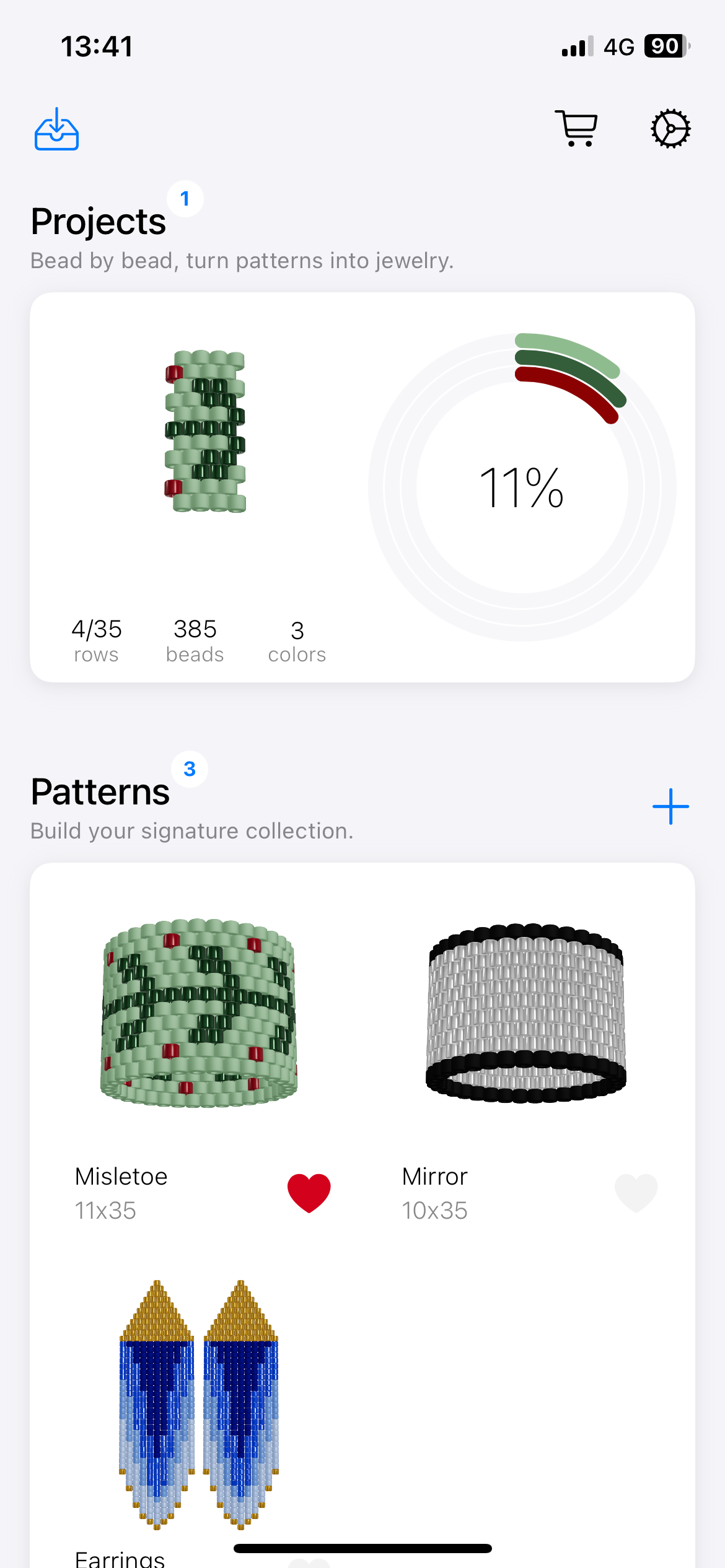
If you’re new to beadwork, BeadPainter offers a personalized, step-by-step guide tailored to your exact pattern. It walks you through starting, shaping, and finishing your ring from the first bead to the last knot. You will also find rich FAQ and a clear list of tools and materials.
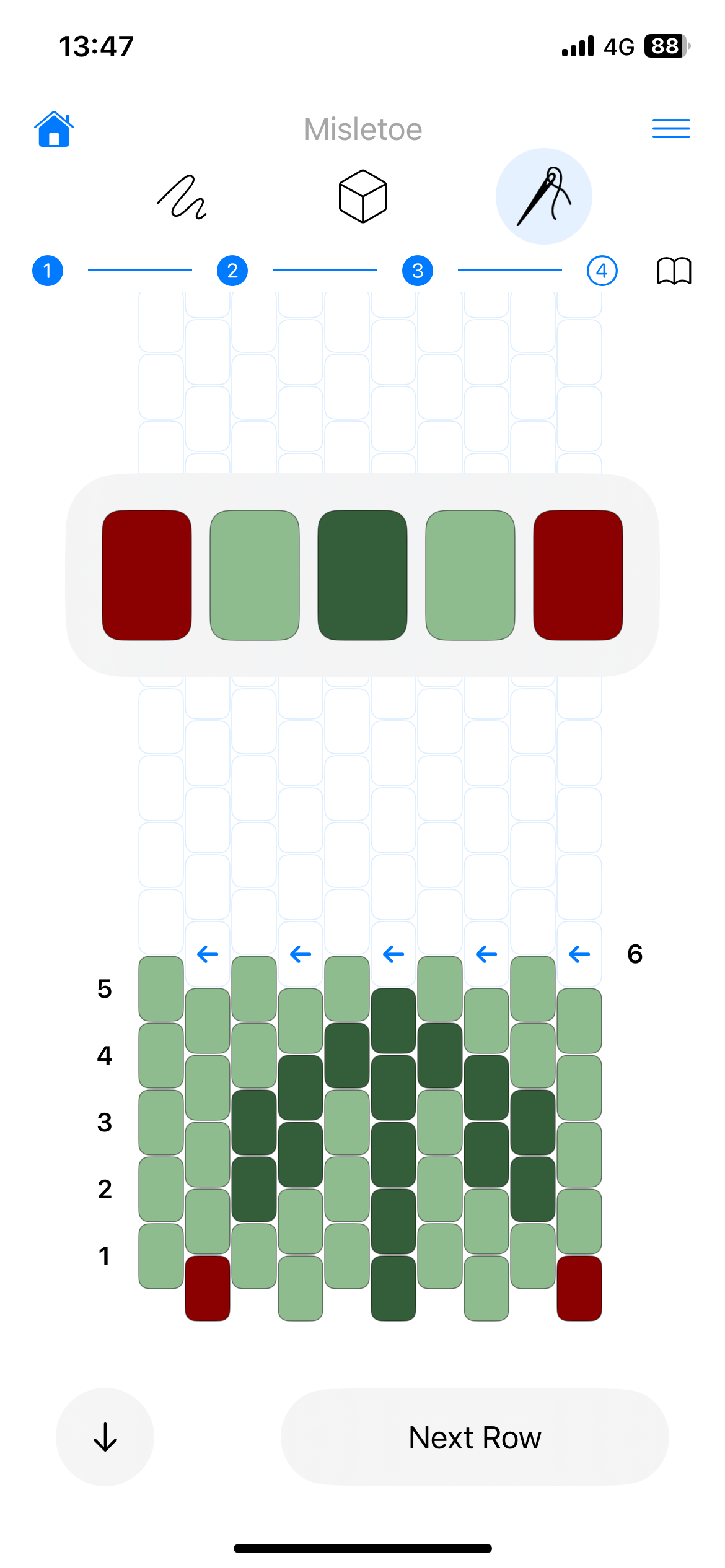
Another truly transformative part of BeadPainter is the Interactive Weaving Mode, designed for everyone from hobbyists to professionals. It shows the next beads to pick up and tracks your progress in real time—no guessing, no losing your place. It’s like a calm, steady companion beside you, making weaving effortless and easy to follow.
3. Share
From personal craft to independent maker.
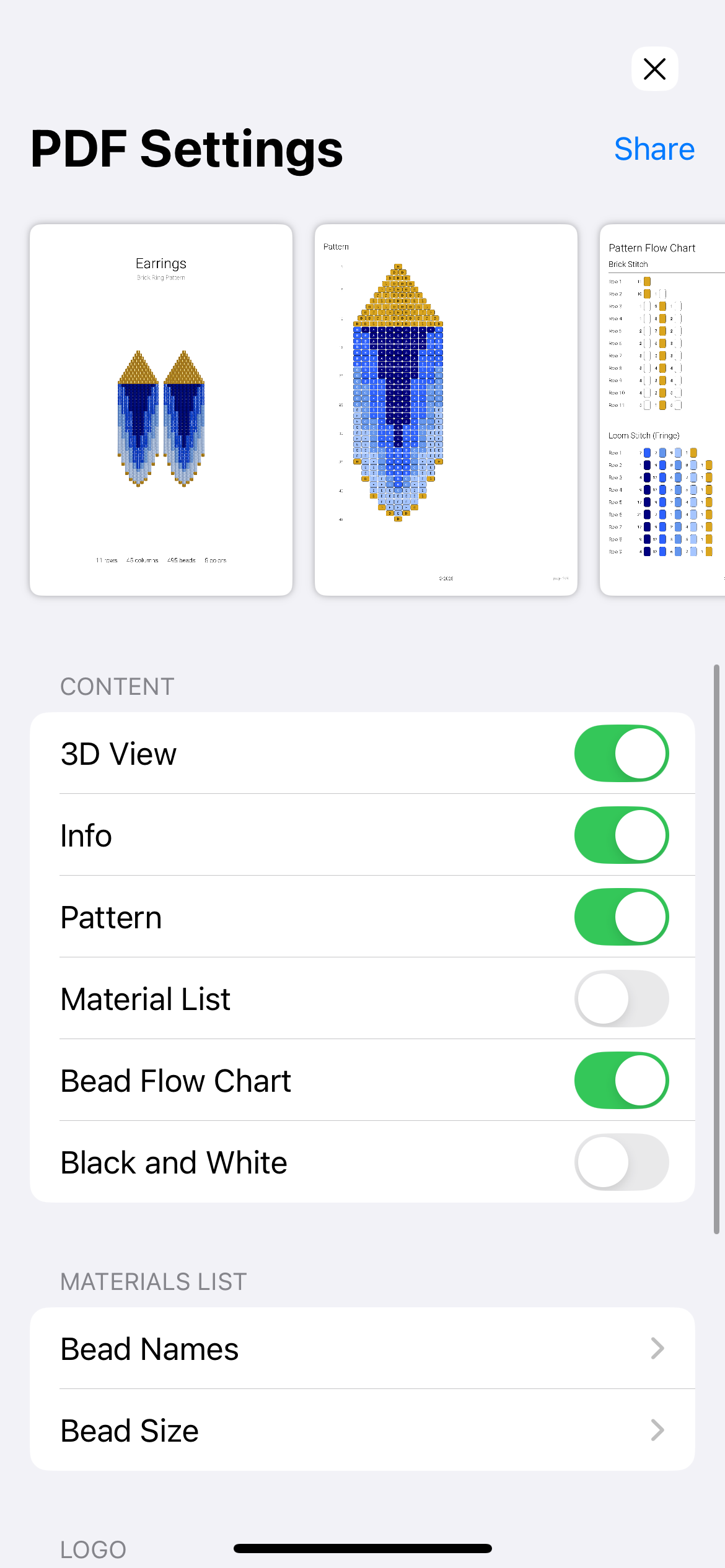
Turn your designs into professional, shareable assets with fully customizable PDF exports. Rename beads, add your logo, and tailor the content to fit your workflow or brand—ideal for selling, sharing, or printing clear, polished patterns. The Bead Flow Chart is fully visual, making each row easy to follow at a glance.
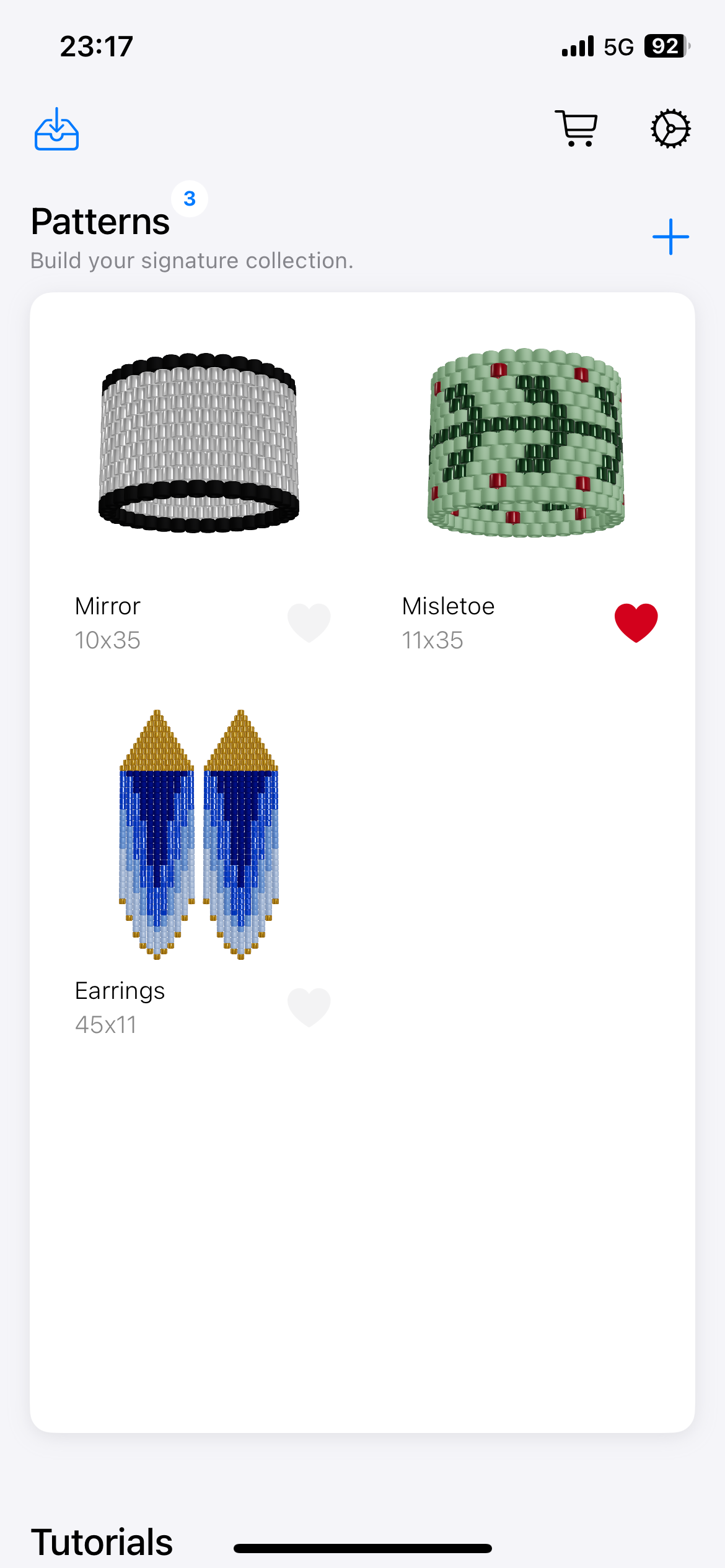
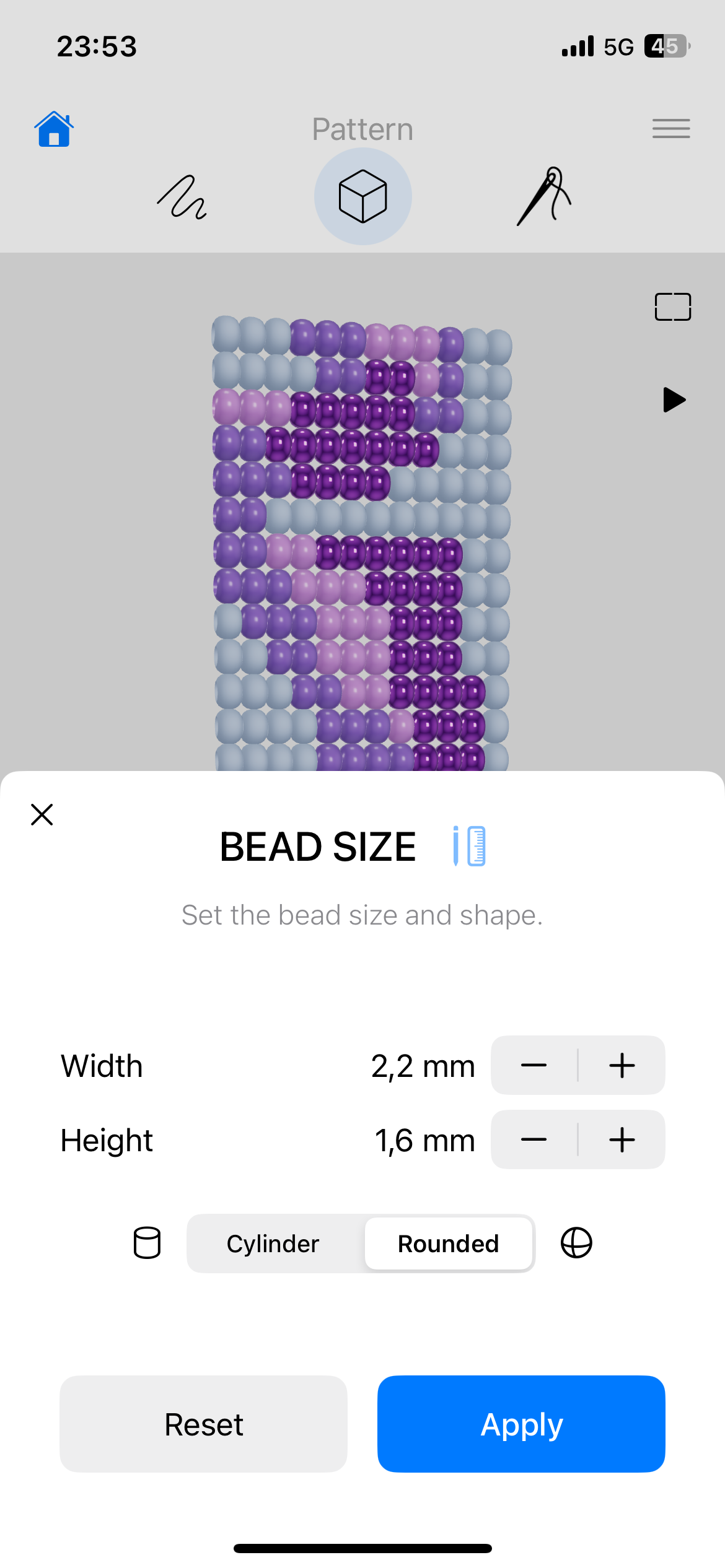
In addition, take full control of the 3D model with precision tools. Switch between round and cylinder bead shapes, change bead sizes up to 10 mm with 0,1 mm precision. Use the Pro Color Editor and Finish Editor to refine every detail and achieve exactly the look you want.
FAQ
Is there a free version of BeadPainter?
Yes. Essential tools for pattern design are free. Live 3D preview included.
Is the app available on iPad?
Absolutely! BeadPainter runs natively on iPhone, iPad, and Mac. Apple Pencil is supported on iPad for a precise, hands-on design experience. On wide screens, your 3D preview shows up right next to the pattern editor so you can create and see results instantly.
What’s the difference between the BeadPainter Hobby and Pro plans?
Hobby is perfect for learning beadwork and making jewelry for yourself, with a focus on step by step tutorials, weaving and progress tracking.
The Pro plan includes everything in Hobby, plus advanced tools for professional beaded patterns creation and sharing. It expands to PDF export and commercial use, making it ideal for experienced makers and independent creators.